Online­calendar

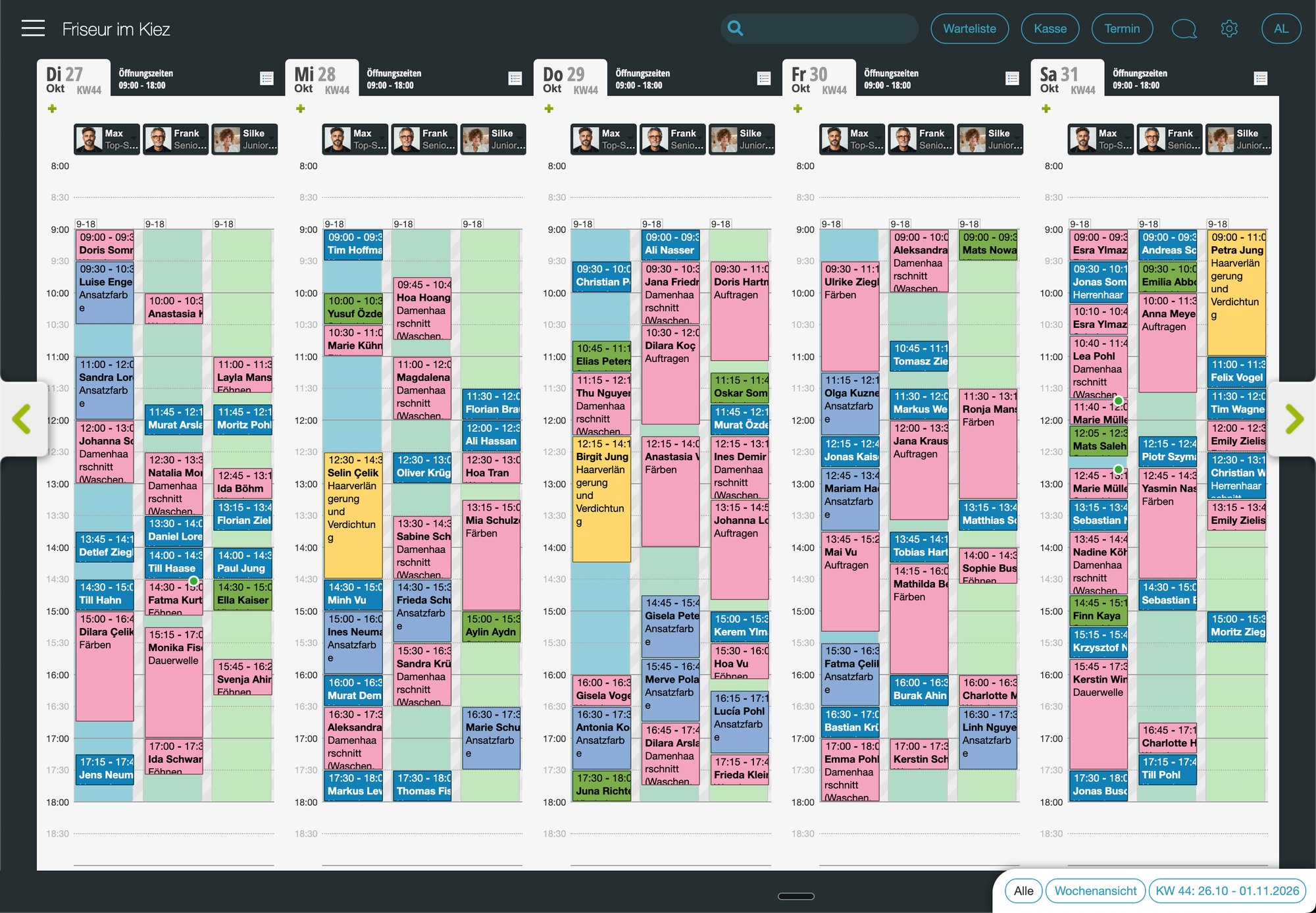
The Belbo online calendar organizes your business in a structured and reliable way. Whether at the front desk, in the studio, or on the go: you always keep track of appointments, team, and customers.

All information in one place. Clear. Organized. Reliable.
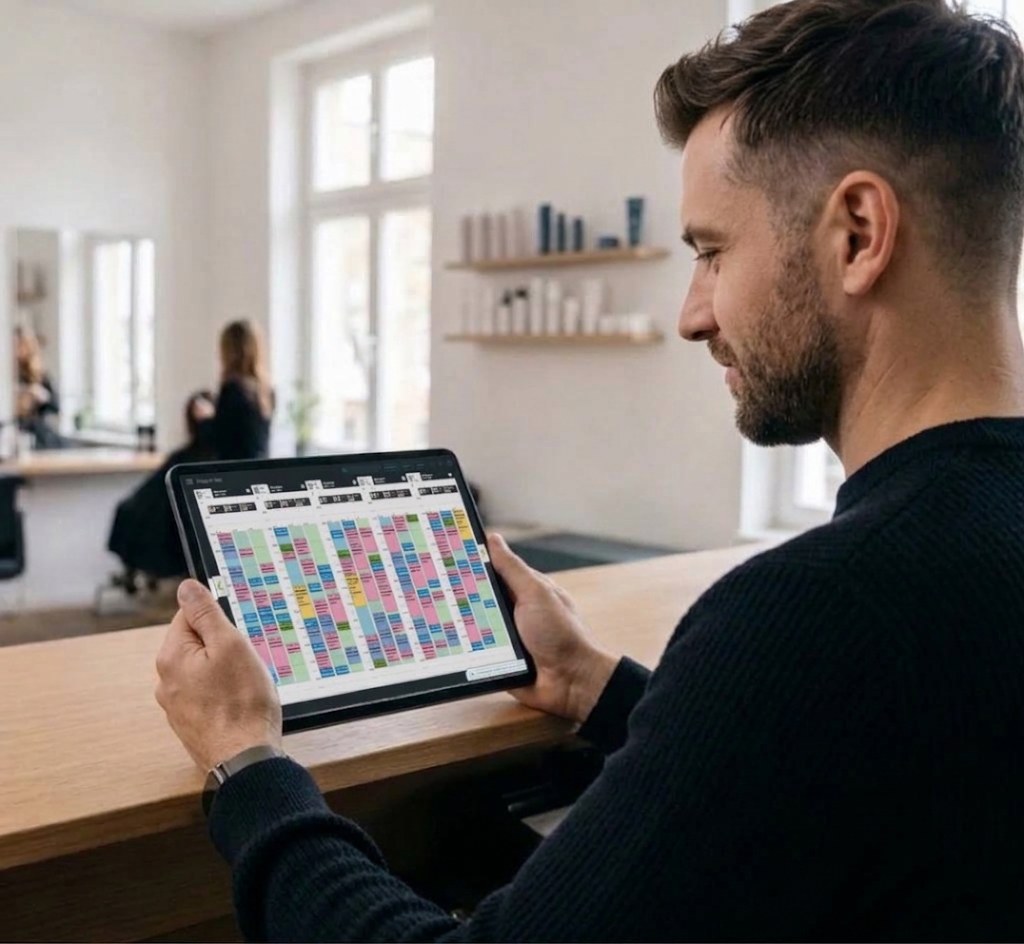
Owner at the reception desk with a tablet showing the Belbo weekly view
Appointment reminder
Tomorrow, 9:30 AM
Shipped
Belbo calendar in weekly view

Everything at a glance

You can view appointments, team, and rooms in a clear daily or weekly view. With customizable appointment colors, you can instantly see what's coming up.

Online bookings go straight into the calendar

Your customers book for themselves, and every appointment is immediately in the right place in your calendar. No transcribing, no callbacks.

When a slot becomes available, the automatic waiting list notifies everyone who has been waiting for that time period.

Beautician during a facial treatment, with a tablet on the side table next to her
Booked online
Fri, 2:30 PM
Skincare
Woman on a café terrace smiling while reading an appointment reminder on her smartphone
SMS Reminder
Tomorrow, 10:30 am. We look forward to seeing you!

Fewer appointment cancellations

Belbo automatically reminds your customers of their appointment by email, SMS, or WhatsApp. This noticeably reduces the number of missed appointments.

For new customers or longer treatments, you can already request a deposit during online booking. And if someone still doesn't show up, you mark the appointment as a no-show and send the appropriate email with one click, if you wish, directly with a cancellation fee invoice.

Fewer stupid gaps

With "Seamless Booking," Belbo suggests the appointments that best fill your team's schedule. Downtime between two appointments becomes the exception.

The calendar also plans ahead for multi-step processes such as coloring with processing time, and individual work steps can be assigned to assistants or apprentices so that work can continue in parallel. This way, you get more out of every working day .
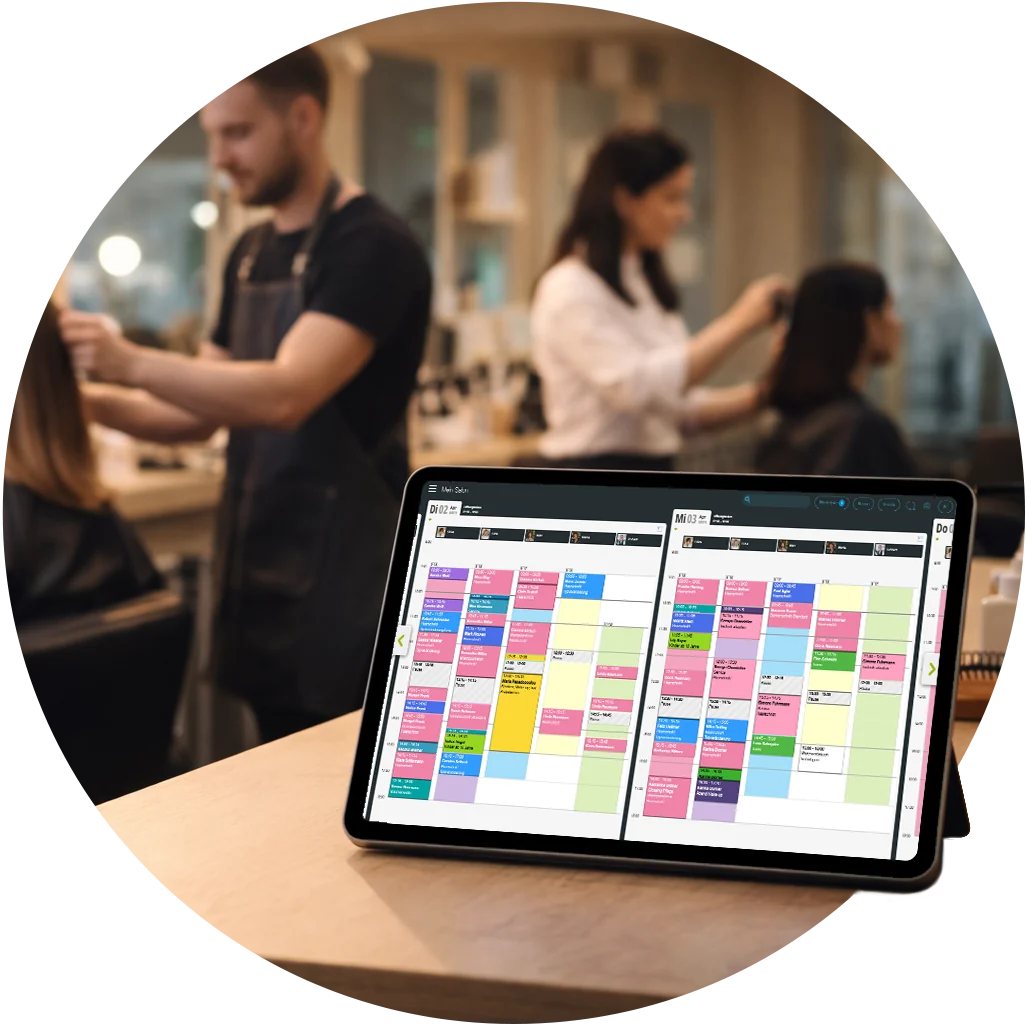
Tablet at the reception desk with the well-filled Belbo calendar, with the team working in the salon in the background
Woman in the salon smiling at her smartphone, with the team working in the background

Your team always has the calendar with them

With the Belbo apps for iPhone and Android, every team member can see their appointments, no matter where they are.

Clear permissions ensure that each person sees and edits exactly what they need. Thanks to the log, it remains traceable who made which change and when.

Grows with you

Whether you work alone, lead a team, or manage multiple branches: the calendar adapts to your business. It also schedules rooms, equipment, courses, and recurring appointments when you need them.

All relevant information is accessible from anywhere, and all locations converge centrally.

Owner with arms crossed at the reception desk, with a laptop beside her, while the team works in the background
"Hardly any more missed appointments and an enormous time saving."

Cornelia BeckersCornelia BeckersShape of You Regensburg

Want to see the calendar live?

In a personal demo, we'll show you what Belbo looks like in your company. Afterwards, you can try everything out yourself at your own pace for 30 days.

Book demo

All calendar features

all features of Belbo →
  • Confirmations and reminders via email, SMS, and WhatsApp, including multiple times, such as about a week in advance and the day before
  • Coloring and processing times, adjustable with a click, work steps for assistants and trainees
  • Rooms and Devices
  • Preparation and follow-up times for staff and equipment
  • Move appointments on mobile and tablet via touch, calendar zoomable
  • Recurring Appointments
  • Couple appointments
  • Courses and workshops, including as a series, with participant limit and desired participant attributes
  • Model planning: Courses with models by hair color, age, or type, bookable online on request
  • Exception times for when individual employees need more time
  • Appointment confirmation after reminder
  • Reminder Overview
  • File attachment for appointment confirmations and reminders
  • No-show status via email with a click
  • Document cancellation reason for appointment cancellations
  • Calendar groups: Filter groups of people, show rooms and equipment
  • Weekly view per person for quick appointment search
  • Customer search highlights the matching appointments in the calendar
  • Customizable appointment colors and time grid
  • Light or dark appearance
  • Keyboard shortcuts for the calendar
  • Search across all functions, settings, and help texts
  • Deadline Pressure Layout
  • Google Calendar Synchronization
  • Tasks
  • Follow-up
  • Call Link
  • Team Birthdays in the Calendar