Time tracking

With Belbo's time tracking, your team clocks in and out directly within the calendar. You have all hours in view at a glance, without timesheets and without an additional tool.

At the end of the month, not a single hour is missing.

Employee logging in at the front desk computer with a PIN, coffee in hand in the morning
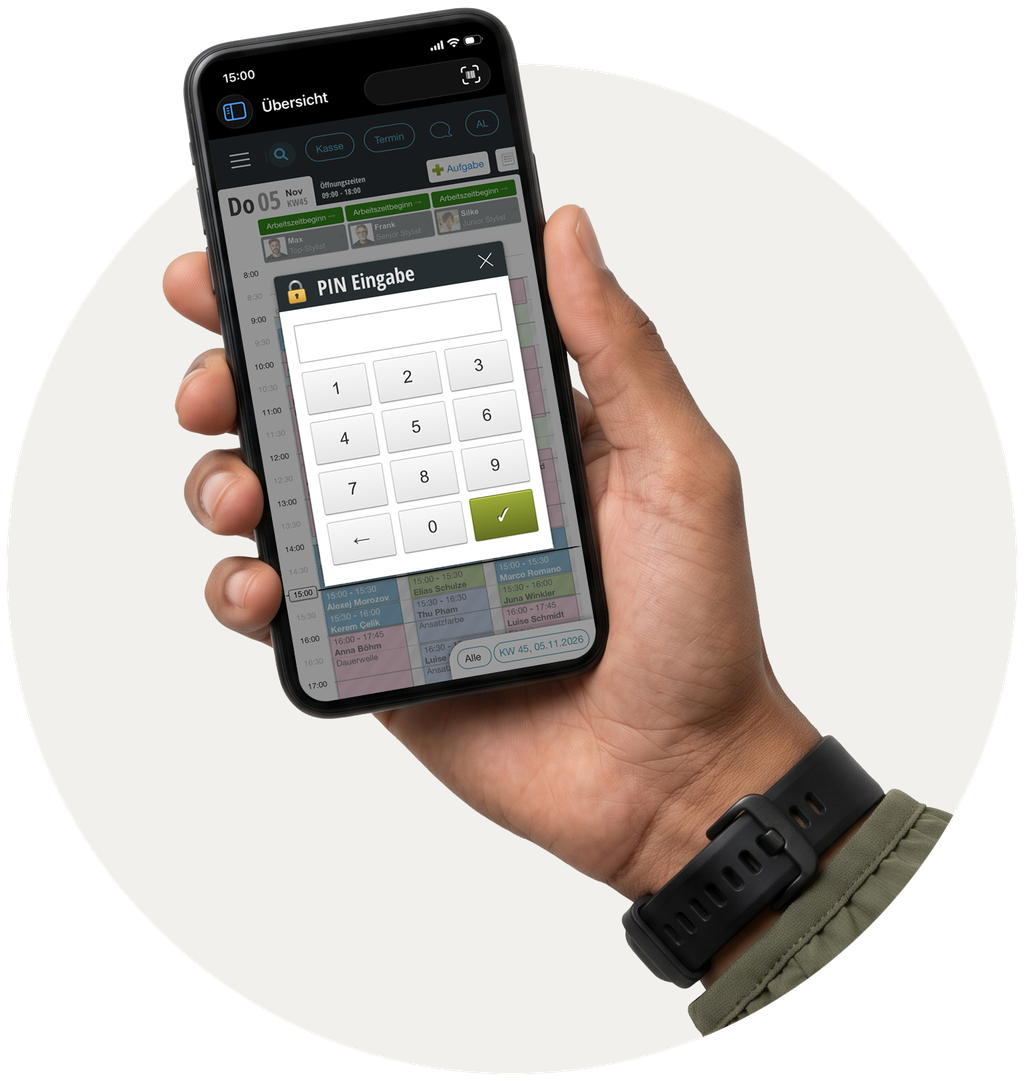
Hand holding a smartphone showing the Belbo calendar and the PIN entry for logging in and out

Logging in and out directly in the calendar

At the start of work, employees log in directly via the Belbo calendar, and log out again at the end of the day. Whether this is also possible via the employee app or only on-site at the computer is up to you to decide.

Because your team already works in the calendar, clocking in and out quickly becomes routine. Timesheets, Excel lists, and follow-up questions become unnecessary.

Hours, overtime, and vacation at a glance

Belbo calculates overtime and shortfall hours to the minute and keeps track of each person's vacation balance, calculated from the required working hours. This way, you always know who was there when and where someone currently stands, without having to calculate anything yourself.

On request, you can give your team access to view their own overtime. That way, everyone knows where they stand, and there's no need for queries.

This also works across locations: If someone works in multiple branches, all hours come together in one place.

Hairdresser sits during their break with a cup of tea on a wooden bench in the staff room, smiling at their phone
My Dashboard
Overtime: +3.5 hrs.
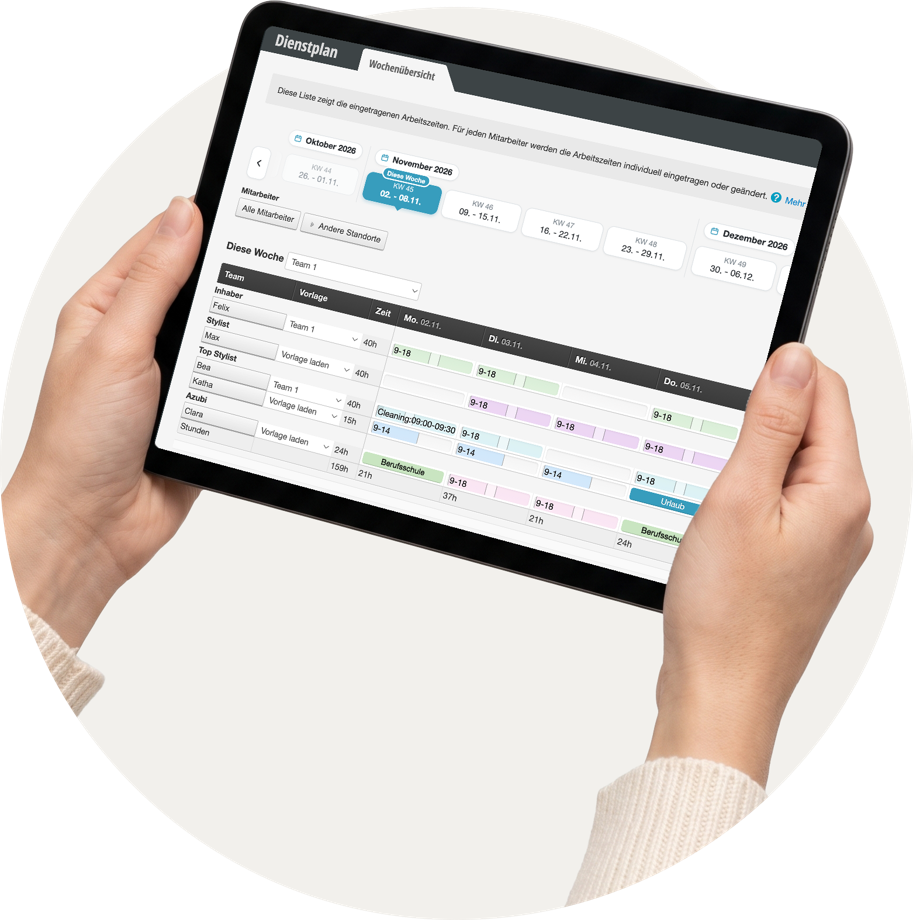
Hands holding a tablet displaying the Belbo weekly overview in the duty roster, with working hours, vacation, and vocational school

Fits the schedule

Time tracking, duty roster, and absences work together seamlessly. You see who was scheduled and who was actually there, in one place and without having to cross-check different lists.

Want to see the time tracking live in action?

In a personal demo, we'll show you what Belbo looks like in your company. Afterwards, you can try everything out yourself at your own pace for 30 days.

Book demo

All features for your team

all features of Belbo →
  • Schedule
  • Events in the duty roster (setup times): present, but not bookable online, for example for preparation in the morning
  • Absences in annual view with fixed types, including hourly entries, with automatic vacation balances
  • Vacation entitlement from the target working time, in days or hours
  • Time tracking with overtime and undertime, planned time off in lieu, and earliest login
  • Overtime and undertime hours even without clocking in and out, calculated from target working time and duty roster
  • Rights and logins, including for your own phone with restricted permissions
  • Multiple locations and head office with individual access rights per location
  • Compare and align location configurations and services
  • Manage prices centrally at the head office, transfer price lists to locations
  • Employee dashboard with freely selectable tiles: revenue, barometer groups, target revenue, working hours, discounts, ratings - also across multiple locations