10. Juni 2024
Benutzerverwaltung
New permission levels can now be linked via login. These options are located in the corresponding employee profile.
Open the employee profile of an employee with login access and you will find the "Restrict View" option on the left side of the navigation. Here are the following new options:
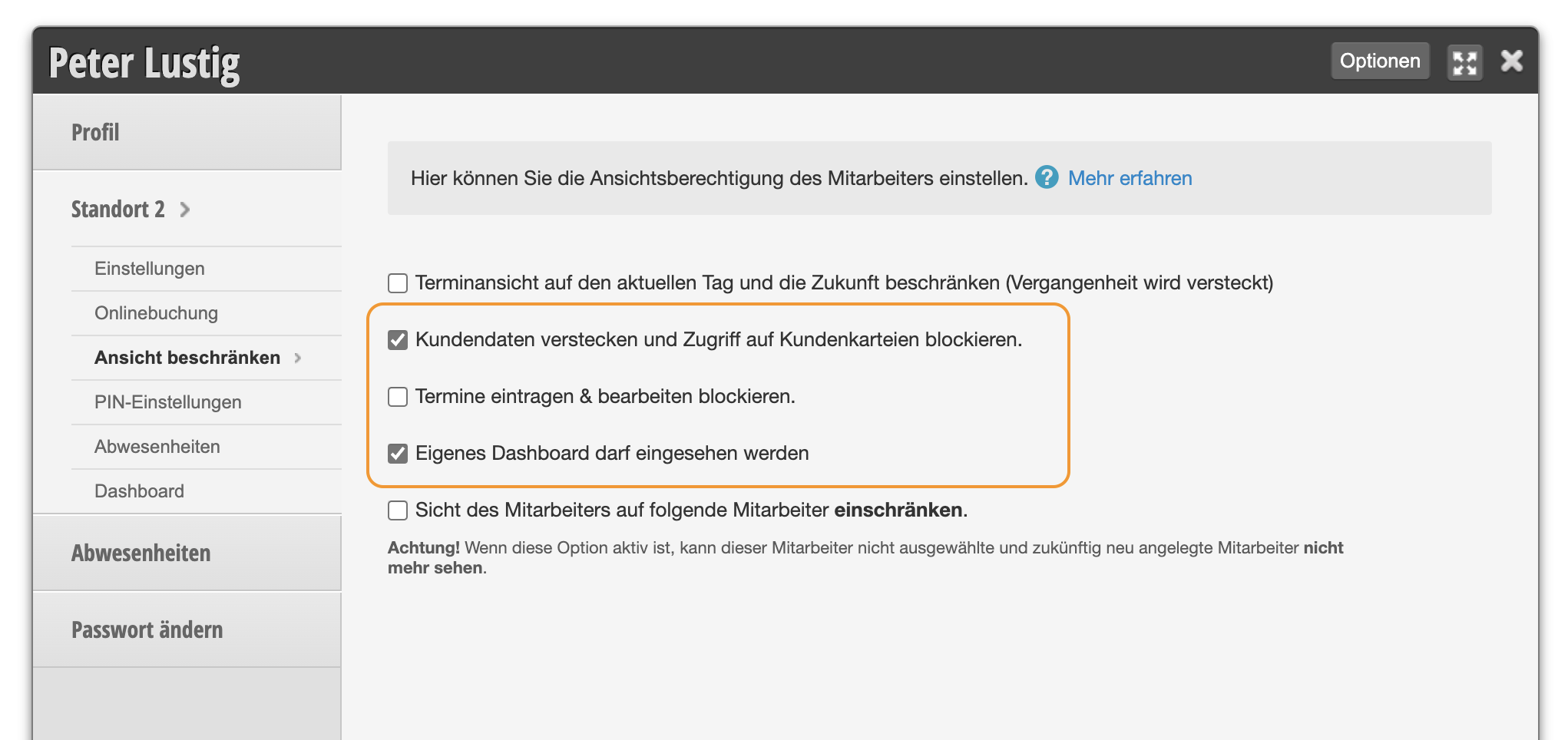
- Hide customer data and block access to customer files: Customer data is displayed anonymously in the calendar via browser & app using "***".
- Block entering & editing appointments: Employees can only view appointments but cannot make any edits.
- Own dashboard may be viewed: Employees have access to their own employee profile dashboard and cannot see other dashboards. This is also possible with minimal permission assignment if this option is active.