
2. August 2019 KundenMarketing
Within a marketing campaign, recipients can now be added manually instead of via filters. Open the campaign, switch to the "Status" tab and select "Manually add customer". A search dialog will open where you can easily add a recipient.
learn more
23. Juli 2019 Kunden
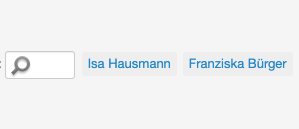
The customer overview now displays recently searched customers. This makes it easier to reopen recently viewed customer files.
learn more
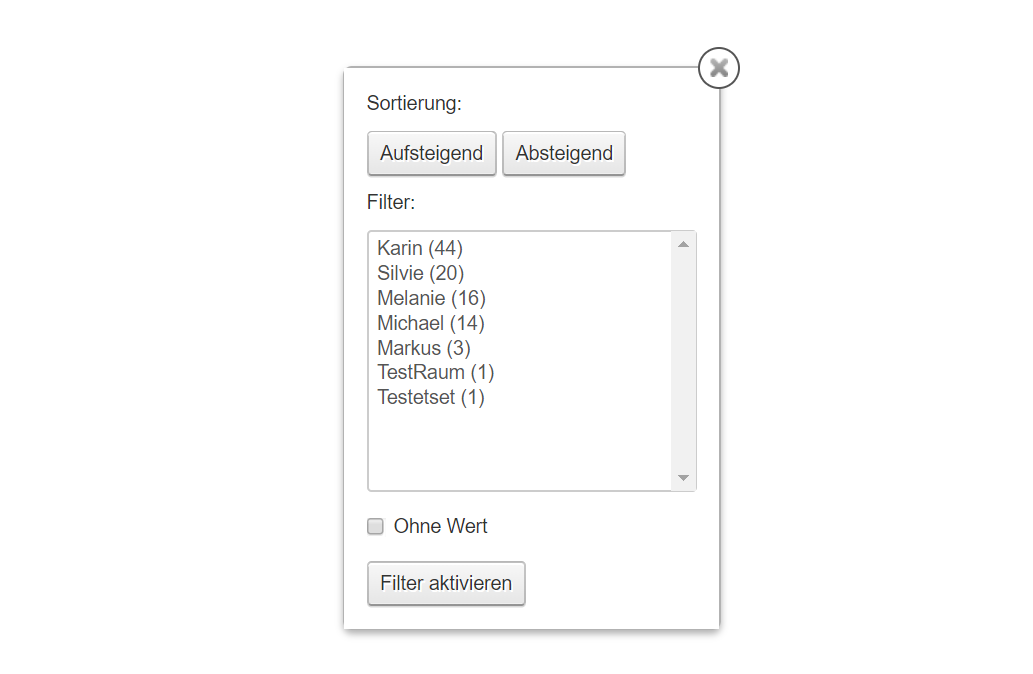
In your customer file, the "Last Employee" column is now available. With this, you can specifically filter, sort and contact customers. All marketing and export functions are also designed for this type.
learn more
18. Juni 2019 KalenderKundenMarketing
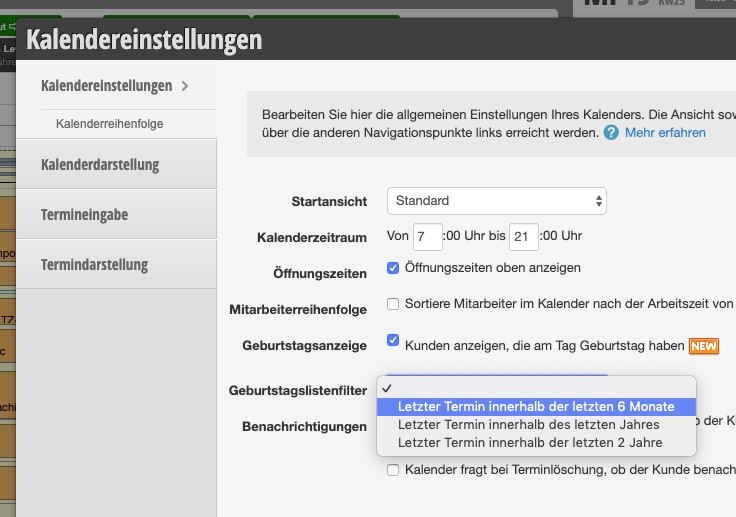
For the birthday lists, there is now the option to define a standard filter period. You can use this to define a minimum period since the last appointment in order to deactivate birthday reminders for inactive records.
learn more
18. Juni 2019 Kunden
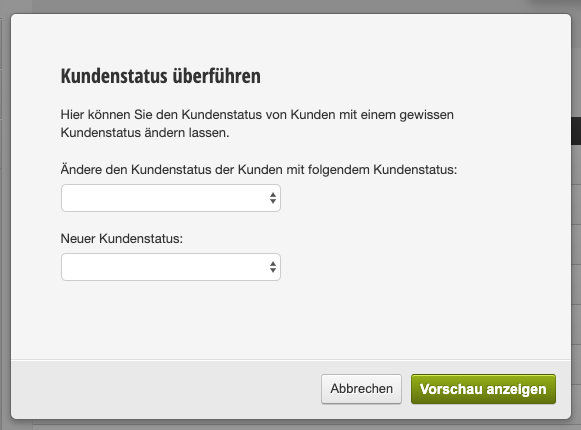
A new tool enables quick customer status transfer. This allows you to give all customers a status or assign existing customers of one status a new status.
learn more
18. Juni 2019 Kunden
The customer survey function (see customer survey) has been supplemented with an employee view. Once the survey has been conducted, the employee can access a clear read-only view of the questionnaire to provide optimal customer advice.

With the rating function, you can send rating requests to your customers automatically or manually. From now on, we're also making it easier for you to integrate external rating providers such as Facebook or Google.
learn more
12. Juni 2019 KalenderKundenMarketing
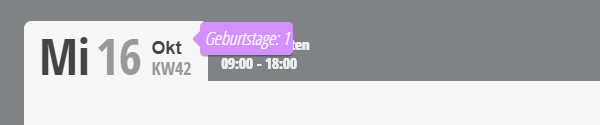
Now birthdays can also be displayed directly in the calendar. So you don't miss any congratulations.
learn more
3. Juni 2019 Kunden
The customer inquiry function (see Customer Inquiry) has been extended with signature fields that can be optionally activated. This enables, for example, legal protection in the context of GDPR. The signature is only visible in the function.
learn more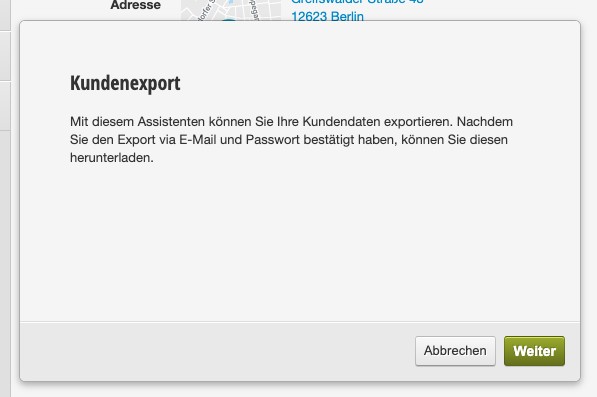
12. Mai 2019 KundenStatistiken
Customer export can now only be performed after successful email confirmation to an authorized email address and successful SMS-TAN verification. As part of the transition, it is now also possible to define which data (including extended customer fields) should be exported.
learn more