
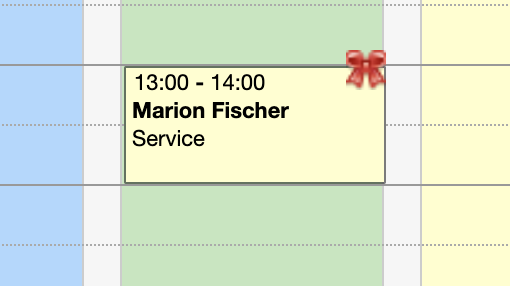
Info Icons in the Calendar
With the extended customer fields, you can add as many fields as you like to your customer records to collect the data you need. You can now also use icons to display certain information directly in the appointment calendar.
As soon as a field in the customer's record has been filled in (e.g., "Christmas surprise already received" or "Sensitive skin"), the icon you have assigned to the corresponding data field appears on every appointment of the customer. This way, all colleagues can see important information about the customer at a glance.
Learn more about customer fields here.